Name Files by
What's Inside Them
Renamer.ai reads your files with AI,
then renames and sorts them by content
- 6,100+ professionals
- 99.9% accuracy
- 30+ file formats
- Test it with your files
- No credit card required
Try before Sign up
Drop your files – Renamer.ai reads and renames them.
You can also apply templates here.
Drop files here or click to select
Start renaming Instantly
Use Manual renaming to simply drop files into
uploader to get a batch of files renamed
- Template
- Organization
- Destination
Use additional settings
to keep renaming under control
Magic Folder – Set It Up Once, Works Forever
- Source
Point Renamer at Your Folders
– Client files
– Scans
– Downloads
wherever you save documents - Template
Choose Your Template
– Accounting firm template (built-in)
– CPA best practices
– Or create custom rules - Organization
Define File Structure
– Repeat your existing structure
– Make a new workflow
– Or keep the same - Destination
Result folder
Use the Magic Folder as a buffer –
set the destination after processing
and keep the target folder safe
Private by default. Your data, your control.
Your data's security comes first
Files from desktop app are processed, not stored. Your data is never used to train AI models. All data is encrypted in transit and at rest.
- No file storage, files only used for processing
- No AI training on your data
- Enterprise-grade encryption at every step
Choose where data is processed
Cloud processing
Renames run on our servers,
to achieve the best qualityYour API key
Send data directly to your chosen LLM provider,
bypassing our processing servers.Local AI model
Everything runs on your device.
Your data never leaves it.
Use Templates to frame your file organization into the workflow
Build your own way
File renaming and Folder organization
are completely customizable
Build your templates with Variables or static text.
Every file will be renamed consistent based
on pattern that you set up.
Every Variable is editable and easy customizable
with natural language. Just explain what you need.
Smart file organization
for everyone
End file chaos forever - choose your plan
Prices show monthly equivalent, but are billed annually.
| Files | FREEFREE | < 1K100 - 1K | 1K-5K1K - 5K | 5K-30K5K - 30K |
|---|---|---|---|---|
| Desktop App (Win & Mac) | ||||
| Templates & Automations | ||||
| Files/month | 25 | 200 | 1000 | 5000 |
| Monthly payment | FREE | $9.95 | $29.95 | $99.95 |
| File price | FREE | ¢5 | ¢3 | ¢2 |
| Local mode | ||||
| Priority support | – | – | ||
| Bring your own key | – | – | – |
Enterprise plan
If you have unique requirements that aren't covered by our plans, feel free to contact us,
we'll find a solution that works for you!


Join our 25000+ happy users
We point it at our client folder and forget about it. New scans get renamed automatically. It's like having a junior admin who never sleeps.
Sarah ChenCPA | Phoenix, AZ
- Average results: 8-12 hours saved per week
- Zero manual file naming
- 5-second file search time (from 2+ minutes)
- $40K-60K annual value for typical CPA firm
Average results:8-12 hours saved per weekZero manual file naming
5-second file search time (from 2+ minutes)$40K-60K annual value for typical CPA firm
Blog posts
Explore insights, tips, and case studies tailored to your daily work

How to Organize Receipts: File Names, Folders, and a Weekly Routine

Real Estate Document Management: Folder and File Naming Templates
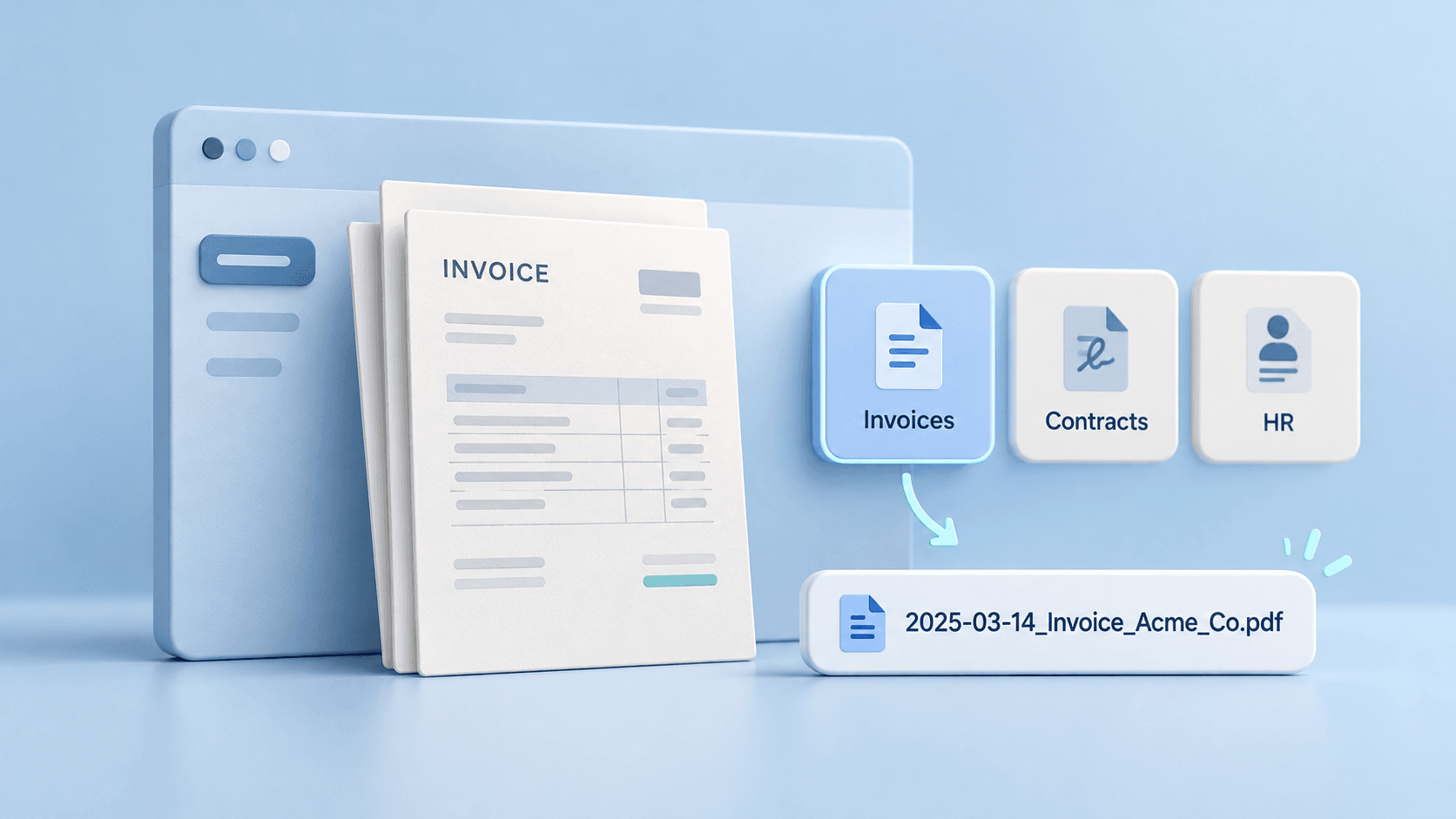
AI Document Naming: Practical Templates for Business Files
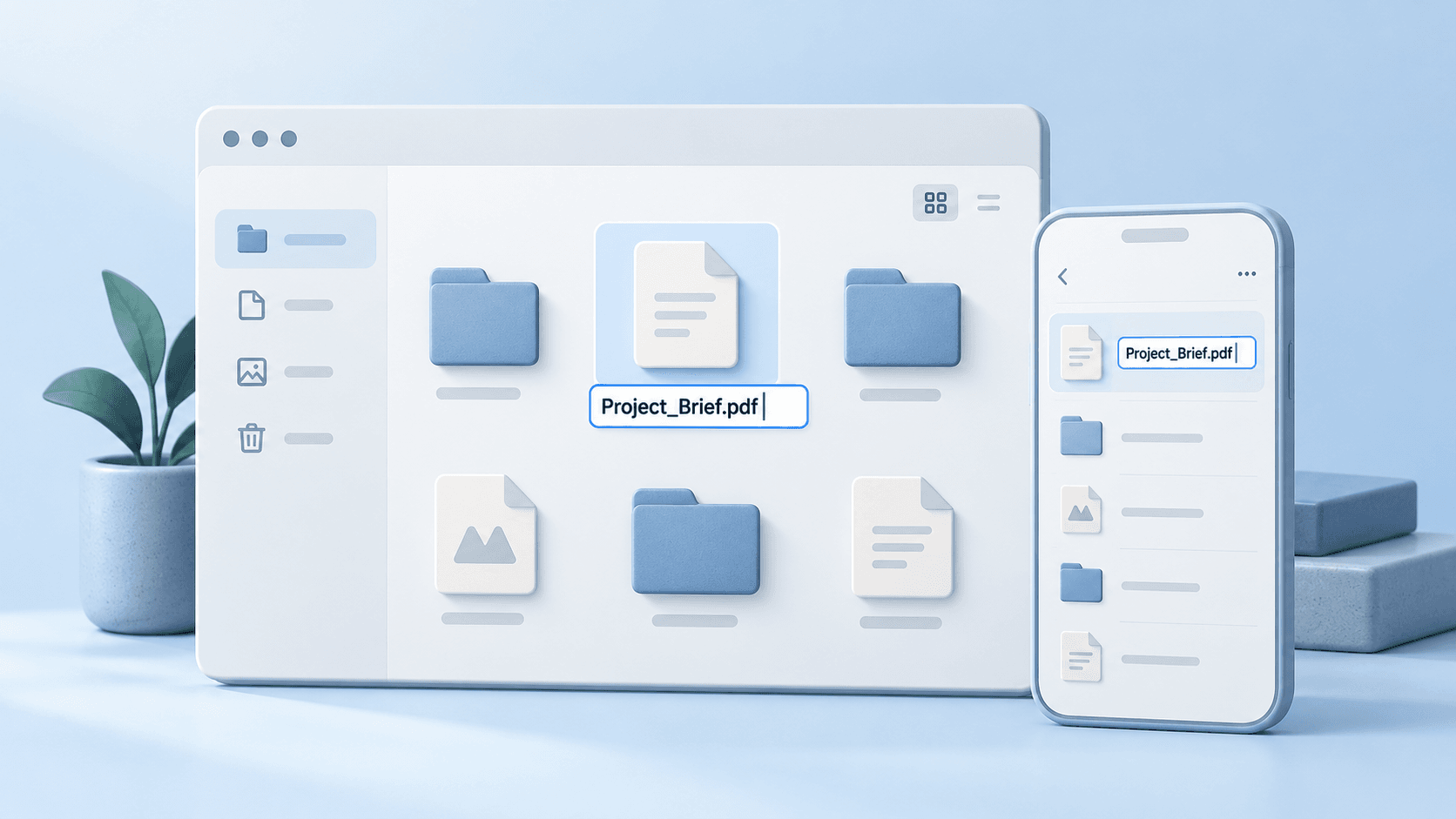
How to Rename a File on Windows, Mac, Android & iPhone

Legal File Naming Conventions: Templates for Law Firms
How to Go Paperless: A Practical Office Document Workflow

How to Organize Invoices: Folders, Names, and a Simple Workflow

HR Document Management: Folder Structure and Templates
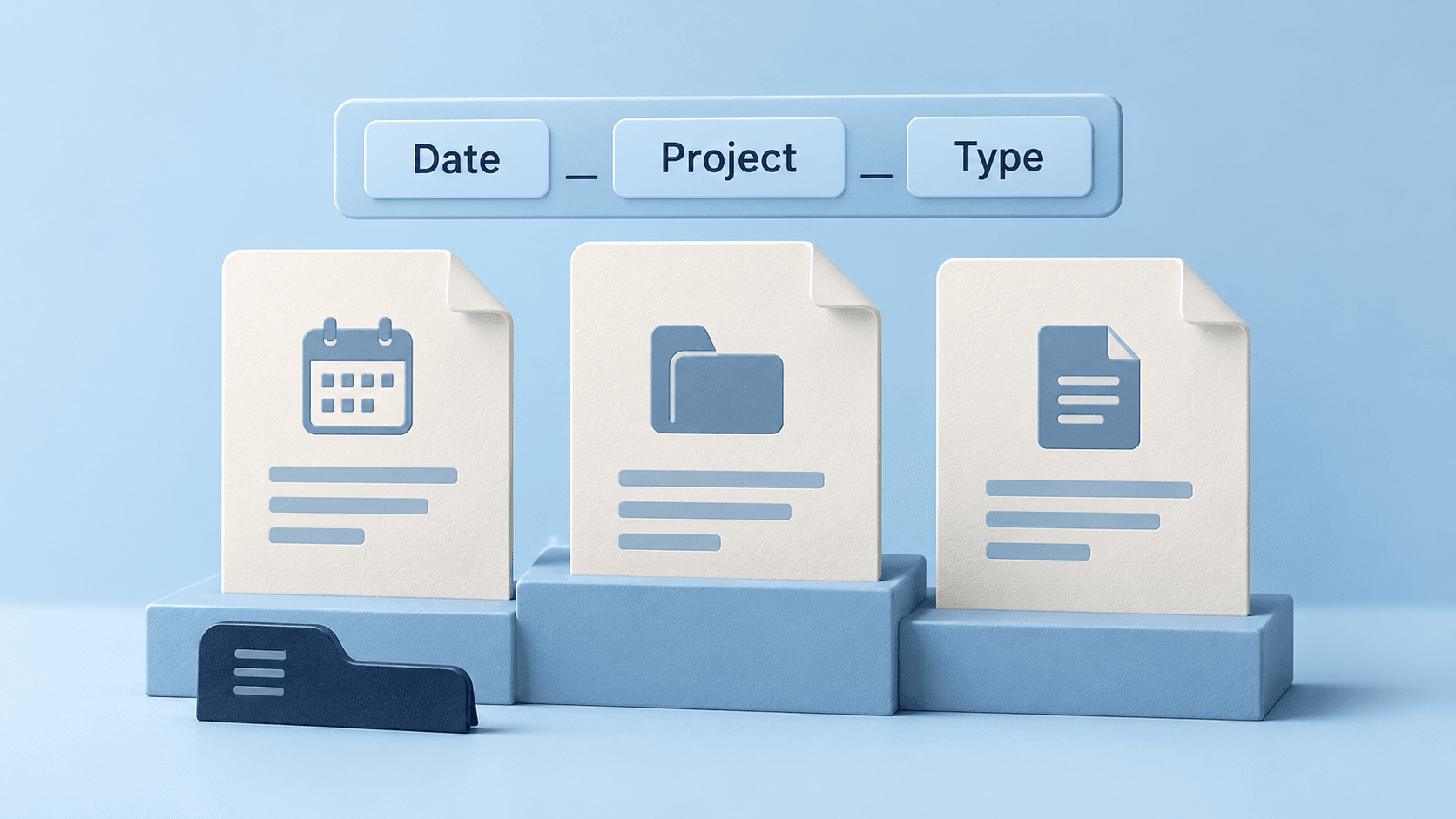
File Naming Conventions: Best Practices & Templates
Let's Solve
Your Document
Challenges - Hire Us
Every organization has its own document management needs. Whether you're dealing with thousands of financial reports, legacy business documents, or need a smarter way to handle incoming files, we're passionate about creating the right solution for you.
Our approach:
- Research
Understand your challenges
- Fit into workflow
Design your solution
- Your data
Test it with your documents
- Keep in touch
Provide ongoing support
Some clients need a one-time reorganization (like when we helped a consulting firm standardize 50,000 client reports), while others want an ongoing automated solution (like the document processing system we built for an accounting department).
Whether you're struggling with regulatory compliance documentation, client files, or departmental records, let's talk about making your document management effortless.
Get in touch - we're here to help transform your document challenges into solutions.
Building Smart Workflows
"Every week we receive hundreds of supplier invoices and contracts that need proper filing" - Our automated system now names and organizes them based on content, saving hours of manual work.
Transforming Legacy Files
"Our legal team inherited decades of case files with inconsistent naming" - We created a custom system that organized 100,000+ documents by case type, date, and client.
Making Document Libraries Searchable
"We had 15 years of financial reports with random names across multiple departments" - Now this investment firm finds any document instantly with our intelligent naming system.
Renamer FAQ
What is Renamer.ai and how does it work?
Renamer.ai is an AI-powered file renaming tool that automatically organizes your digital files by analyzing their content. Our advanced OCR technology reads documents, images, and other files to generate descriptive, searchable names. Instead of manually renaming "IMG_2847.jpg" or "Document1.pdf," Renamer.ai creates meaningful names like "invoice-acme-corp-2024-03-15.pdf" or "team-meeting-notes-march-2024.docx" based on what's actually inside your files.
How much does Renamer.ai cost?
We offer 4 flexible pricing plans to fit different needs: Starter Plan: Free - 25 files per month (perfect for testing), Pro Plan: $9.95/month - 200 files per month (ideal for individuals), Power User Plan: $29.95/month - 1,000 files per month (best value - saves 40%), Ultimate Plan: $99.95/month - 5,000 files per month (for heavy users). All plans include our desktop app, bulk renaming, Magic Folders automation, and support. No long-term contracts - cancel anytime.
What file types does Renamer.ai support?
Renamer.ai supports 30+ file formats including documents (PDF, DOC, DOCX, ODT, RTF, TXT), spreadsheets (XLS, XLSX), images (JPG, PNG, WebP, GIF, BMP, TIFF, HEIC), presentations (PPT, PPTX), vector files (EPS, SVG, AI), and email files (EML). Our AI reads the actual content of each file to generate intelligent, descriptive names regardless of format.
Does Renamer.ai work as a PDF renamer and photo renamer?
Yes! Renamer.ai is a powerful PDF renamer and photo renamer that uses AI to understand your file content. For PDFs, it extracts key details like dates, amounts, company names, and document types to create meaningful names (e.g., "invoice_acme_2024-03-15_1250usd.pdf"). For photos, our AI vision describes the image content and creates descriptive names (e.g., "photo_office_manager_drinking_coffee.png"). Both work with Magic Folders for automatic renaming as files arrive.
Can Renamer.ai rename files in different languages?
Yes! Renamer.ai supports 20+ languages including English, Spanish, French, German, Italian, Portuguese, Dutch, Chinese, Japanese, and many more. Our Smart Detect feature automatically identifies the language in your files, or you can manually select from our full language list. This makes it perfect for international teams and multilingual document management.
What are Magic Folders and how do they work?
Magic Folders are our automation feature that monitors designated folders and automatically renames files as they arrive. Simply: 1) Select any folder (like Downloads or a shared drive), 2) Toggle Magic Folders "on" for that location, 3) Choose your preferred naming pattern, 4) Files get renamed automatically in the background. Perfect for automating downloads folders, client document drops, or any location where files regularly appear. You can pause or resume monitoring anytime.
Is Renamer.ai safe and secure for my files?
Absolutely. Your privacy is our priority. We use enterprise-grade encryption to protect your files. When using the web version, uploaded files are stored only temporarily for up to 24 hours to allow you to download the renamed versions. When using the desktop app, your files are securely transmitted to our servers for content extraction and AI analysis, then immediately and permanently deleted once processing is complete - nothing is retained. Renamer.ai is not a storage service; files are only kept as long as necessary to complete the renaming process. Your document content is processed using trusted AI services solely for the purpose of generating descriptive filenames. These services are bound by strict data processing agreements and cannot use your data for model training or any other purpose. We comply with GDPR privacy requirements.
How accurate is the AI file renaming?
Our AI achieves 95%+ accuracy for quality documents and has a 92% user satisfaction rate. The accuracy depends on file quality - clear scans and well-formatted documents work best. For handwritten text or very poor quality scans, results may vary. You can always preview changes before applying them and undo any renames if needed.
Can I customize how Renamer.ai names my files?
Yes! You can create custom naming templates using our drag-and-drop template builder. Choose from variables like: Document type, date, and ID numbers; Company and person names; Invoice numbers and amounts; Project details and status; Custom context fields. We also provide pre-built templates for common use cases like invoices, business documents, and project files.
Do I need to install software or can I use it online?
Renamer.ai offers both options: Desktop App (Windows & Mac): Full features including Magic Folders automation, custom templates, and bulk processing; Web Interface: Quick renaming for testing without installation. The desktop app provides the complete experience, while the web version is perfect for trying out the service or handling occasional files.
How many files can I rename at once?
You can process multiple files simultaneously with our bulk renaming feature. The exact number depends on your plan: Starter: 25 files per month, Pro: 200 files per month, Power User: 1,000 files per month, Ultimate: 5,000 files per month. For larger volumes, we offer custom enterprise solutions and can handle 10,000+ files monthly with dedicated support.
What makes Renamer.ai different from other file organizing tools?
Unlike simple rule-based renamers, Renamer.ai actually reads and understands your file content. Our key differentiators: Content-aware naming (not just pattern matching); 20+ language support with automatic detection; Magic Folders automation for hands-off organization; OCR technology that reads scanned documents; Custom service offerings - our team can handle massive cleanup projects. We're not just software - we're file organization experts who can design custom solutions for complex needs.
Can Renamer.ai integrate with my existing workflow?
Yes! We offer API access for custom integrations with your existing tools and workflows. Our team can help build connections to: Cloud storage services (Google Drive, Dropbox, OneDrive); Document management systems; Accounting and ERP software; Workflow automation tools. Contact us at hi@renamer.ai to discuss custom integration solutions.
What kind of support do you provide?
We offer different support levels based on your plan: Normal Support (Starter & Pro): Email support within 48 hours, knowledge base access; Priority Support (Power User & Ultimate): Email support within 24 hours, priority issue resolution. All users get access to our comprehensive knowledge base.
Can you handle large-scale file organization projects?
Absolutely! Beyond our software, we offer custom services for organizations with complex needs: Mass file reorganization (50,000+ documents); Custom API integrations with your existing systems; Workflow design consultation; Ongoing file management services; Industry-specific solutions. Our team has organized millions of files across hundreds of industries. Contact hi@renamer.ai to discuss your specific challenges.
How quickly does the file renaming process work?
Processing speed depends on file size and complexity: Simple documents: 2-5 seconds per file; Bulk operations: Multiple files processed in parallel; Magic Folders: Near real-time monitoring and renaming; Large files: May take longer but stay under our 100MB limit. Our cloud-based processing ensures consistent speed regardless of your device performance.
What happens if I'm not satisfied with the results?
We want you to be completely satisfied! Here's what we offer: Free Starter plan to test the service risk-free; Preview before applying - see changes before they're made; Undo functionality - reverse any renames easily; Cancel anytime - no long-term contracts; Responsive support to help optimize your results. Most users see immediate value, but if something isn't working right, we'll help make it better.
Build your system
This isn't a one-time cleanup tool. This is a system that runs forever. Point it at your folders once, and every new file that arrives gets renamed automatically. That's the real value.
Intelligent context recognition
The AI actually reads your documents. It knows the difference between a tax return and a receipt. It sees client names, dates, document types. This isn't guessing - it's intelligence.
No large commitment
100 renames is enough to test it properly. Most firms process 50-100 files, see it working automatically, then upgrade to Ultimate to fix their entire system. You'll probably do the same.