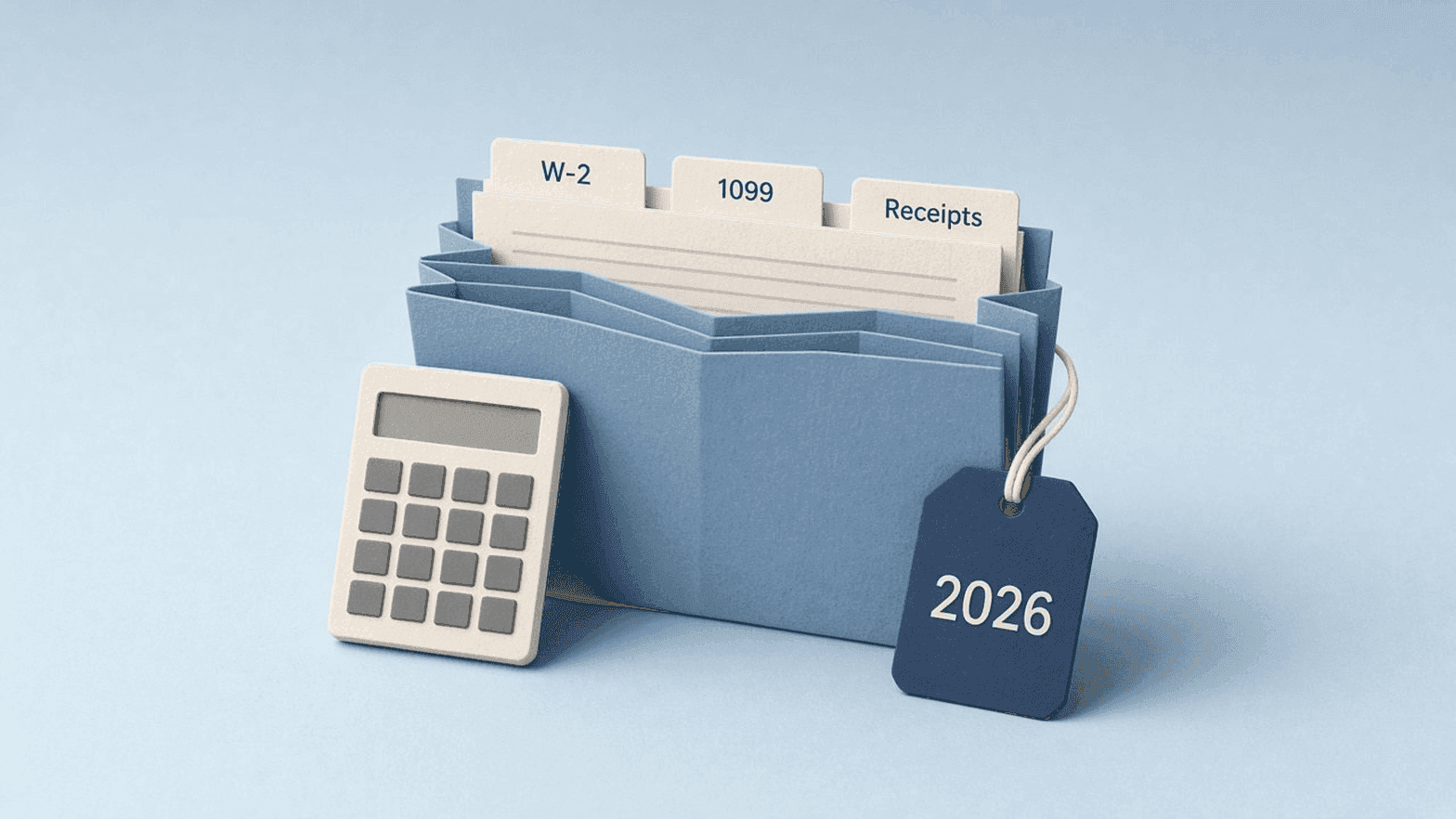
How to Organize Tax Documents: Folders, Names, Checklist
To organize tax documents, keep one folder per tax year, sort files into a few categories (income, deductions and credits, bank and investments, self-employment, personal info), and name every file with the year, the form and the source, like 2026_1099-NEC_ClientName.pdf. Do it as documents arrive, not in April. This guide gives you the folder layout, a naming template for each document type, a checklist based on the IRS's own list of what to gather, and a way to hand your accountant one folder.
Key takeaways
- One folder per tax year, five categories inside, and no more than three levels deep.
- Name files
year_form_source. The year is the tax year, not the day the document arrived.- Use the IRS's list of documents to gather as your checklist, then add anything specific to your situation.
- Scanned PDFs are only useful if you can find them, so rename them from what they say.
- Give your accountant one folder and a short note, not a string of email attachments.
How should you structure your tax folders?
Keep the structure boring. You'll open it once a year under pressure, and you want to find things without thinking.
Taxes/
  2026/
    00_Notes-for-accountant/
    01_Income/
    02_Deductions-and-credits/
    03_Bank-and-investments/
    04_Self-employment/
    05_Personal-info/
  2025/
    ...
Three rules keep it working:
- One folder per tax year. A 2026 W-2 arrives in January 2027, but it belongs in the
2026folder because it reports 2026 income. - Five categories, numbered. The numbers keep the folders in a fixed order. Skip
04_Self-employmentif you have no side income. - Stop at three levels.
Taxes/2026/01_Incomeis enough. If you need a fourth level, a file name can do that job instead.
If you want the general version of this for all your files, see our guide on how to organize digital files.
What file name should each tax document get?
Use the pattern year_form_source. Put the tax year first so files sort by year, the form or document type second so you can tell them apart, and the payer or provider last so you know where each one came from. Use hyphens inside a part (1099-NEC) and underscores between parts.
| Document | Template | Example |
|---|---|---|
| Wages | year_W-2_employer | 2026_W-2_BrightPath-Dental.pdf |
| Freelance income | year_1099-NEC_client | 2026_1099-NEC_ClientName.pdf |
| Bank interest | year_1099-INT_bank | 2026_1099-INT_First-National.pdf |
| Dividends | year_1099-DIV_broker | 2026_1099-DIV_Brokerage-Name.pdf |
| Card and marketplace payments | year_1099-K_platform | 2026_1099-K_Etsy.pdf |
| Retirement distributions | year_1099-R_provider | 2026_1099-R_Plan-Provider.pdf |
| Marketplace health coverage | year_1095-A_marketplace | 2026_1095-A_Marketplace.pdf |
| Mortgage interest | year_mortgage-interest_lender | 2026_mortgage-interest_Lender-Name.pdf |
| Property tax | year_property-tax_county | 2026_property-tax_County-Name.pdf |
| Charity donation | year_donation_charity_date | 2026_donation_Food-Bank_2026-11-20.pdf |
| Childcare | year_childcare_provider | 2026_childcare_Little-Oaks.pdf |
| Bank statement | year_bank-statement_bank_month | 2026_bank-statement_First-National_2026-03.pdf |
| Estimated tax payment | year_estimated-tax_quarter | 2026_estimated-tax_Q1.pdf |
When a client sends two 1099s in one year, add a detail at the end, such as _corrected. Don't overwrite the first one.
What is on a tax document checklist?
The IRS publishes a page on what to gather before you file. The checklist below follows its categories. Tick off what applies to you.
Personal information (05_Personal-info)
- Social Security number or ITIN for you and everyone on your return
- Bank account and routing numbers for your refund or payment
- Last year's adjusted gross income and refund amount, from last year's return
- Your Identity Protection PIN, if the IRS issued you one
Income (01_Income)
- Form W-2 from each employer
- Form 1099-NEC for freelance or contractor work
- Form 1099-INT for interest and 1099-DIV for dividends
- Form 1099-K for card or marketplace payments
- Form 1099-R for retirement plan, pension or annuity payments
- Form 1099-G for government payments such as unemployment
- Form SSA-1099 for Social Security benefits
- Form 1099-MISC for other income
- Records of digital asset transactions, if you did not get a form for them
Deductions and credits (02_Deductions-and-credits)
- Childcare or dependent care expenses
- Home mortgage and property tax records, if you itemize
- Charitable donation receipts
- HSA or FSA contribution records
- Healthcare expenses, if you itemize
- Retirement contribution records
- Tuition and education receipts
- Form 1095-A, if you had Marketplace health coverage
Side job and self-employment (04_Self-employment)
- Statements from banks, payment apps, card processors or marketplaces
- Checks paid to you
- Receipts and mileage logs for travel, gifts and car expenses
- Records of office expenses
- Estimated tax payment records
- Business income and expense records
For a business, our guides to organizing receipts and organizing invoices cover the day-to-day paper.
How do you organize bank statements for taxes?
Bank statements back up income and expenses, so you'll want all twelve for each account you used. Keep them in 03_Bank-and-investments, one subfolder per account if you have more than two or three. Use the pattern year_bank-statement_bank_month, with the month as YYYY-MM: 2026_bank-statement_First-National_2026-03.pdf.
A year of statements then sorts in calendar order, and a missing month shows up as a gap in the list. If your bank only keeps a limited history online, download the full year in January while the files are still there.
How long you keep them is a separate question. Our guide on how long to keep tax records and bank statements covers it for personal records, and how long to keep business records covers it for a business.
How do you organize financial documents beyond taxes?
Tax records are one slice of your paperwork. If you also want a home for insurance policies, loan papers and account statements, add a sibling folder next to Taxes:
Finance/
  Taxes/
  Banking/
  Insurance/
  Loans-and-mortgage/
Use the same naming habit in each: the year or date first, then the document type, then the source. 2026_insurance-policy_Home_Provider-Name.pdf sorts and searches exactly like your tax files, so you only have to learn one system.
How do you rename scanned tax documents?
Paper arrives as scans called Scan_0118.pdf or IMG_2231.pdf. Opening each one to see what it is takes about a minute. Across forty documents, that's most of an afternoon.
This is where renamer.ai helps. It reads the text in each scanned PDF with OCR, picks out details such as the issuer, the document type and the date, and suggests a descriptive name. You can run a whole folder at once and set a custom template, so the parts come out in your order: year, form, source. Check the proposed names before you apply them. In particular, check the year. A W-2 that arrived in January 2027 is a 2026 document, so the name should say 2026.
For more on scanned files, see how to rename scanned PDF files and our guide to PDF file organization.
How do you keep tax documents organized all year?
The easiest tax season is the one where April has nothing left to do. A light routine does most of the work:
- When a document arrives, rename it and file it. It takes thirty seconds now and ten minutes to reconstruct later.
- Keep a running list of what you expect. Write down every W-2, 1099 and statement you got last year. Cross each one off as it shows up.
- Wait for the whole list. Many income forms are due to you around the end of January, but some, such as brokerage forms, can arrive later. Don't file until your list is complete.
- Do a ten-minute check each quarter. Sort the folder by name, look for files that break the pattern, and fix them.
Here's what that looks like on a real pile of scans:
| Before | After |
|---|---|
Scan_0118.pdf | 2026_W-2_BrightPath-Dental.pdf |
IMG_2231.pdf | 2026_donation_Food-Bank_2026-11-20.pdf |
statement (4).pdf | 2026_bank-statement_First-National_2026-04.pdf |
1099 final FINAL.pdf | 2026_1099-NEC_ClientName.pdf |
How do you hand your tax documents to your accountant?
Give your accountant one folder, not a chain of emails. Here's a hand-off that saves both of you time:
- Finish the file names. Sort the year folder by name. Anything that doesn't start with the year needs a rename.
- Write a short note in
00_Notes-for-accountant. List what changed this year (a new job, a move, a house sale, a new side business) and what you couldn't find. - Ask how they want it. Some accountants use a secure portal, some a shared folder. Tax documents carry Social Security numbers, so avoid sending them as plain email attachments.
- Send the whole year folder at once, so they can see the structure and your note first.
If you're also closing the books on a business, the year-end bookkeeping checklist covers the business side of this hand-off.
FAQ
How do I organize tax documents?
Create one folder per tax year with five numbered category folders inside: income, deductions and credits, bank and investments, self-employment, and personal info. Name each file with the tax year, the form and the source, such as 2026_W-2_EmployerName.pdf.
What documents do I need to file my taxes?
The IRS lists personal information, income forms such as W-2 and the 1099 series, records for credits and deductions, and side job or self-employment records. The checklist above follows that list.
How should I name tax documents?
Use year, form and source, separated by underscores: 2026_1099-NEC_ClientName.pdf. The year is the tax year the document reports on, not the year it arrived.
How do I organize tax documents for my accountant?
Put everything for the year in one folder, name the files consistently, and add a short note about what changed and what's missing. Ask your accountant whether they prefer a secure portal or a shared folder.
How do I organize bank statements?
Keep one subfolder per account in your bank and investments folder, and name statements year_bank-statement_bank_month. Download all twelve months in January so none go missing.
How long should I keep my tax documents after filing?
The IRS default is at least 3 years from the date you file, and longer in some cases. See the IRS guidance on how long to keep records and confirm with your accountant.
Conclusion: start this year's folder today
Create the 2026 folder now, even if it's empty. Drop each document in as it arrives, name it right away, and by the time your accountant asks for everything, there's nothing to gather.
If you already have a backlog of scans, run them through renamer.ai first, check the names, and file them in the folder structure above. Doing it once in January beats hunting for forms in April.
About the author

Uros Gazvoda
Uroš is a technology enthusiast, digital creator, and open-source supporter who’s been building on the internet since it was still dial-up. With a strong belief in net neutrality and digital freedom, he combines his love for clean design, smart technology, and human-centered marketing to build tools and platforms that matter.
Founder of Renamer.ai