Our Insights
Explore practical strategies for digital organization and productivity.
Articles
Year-End Bookkeeping Checklist: Gather, Name and Archive
Use this 14-step year-end bookkeeping checklist to gather, rename and archive invoices, receipts and statements, then hand one clean folder to your accountant.
How Long to Keep Business Records: IRS Rules and a Schedule
Keep most business records 3 years after filing, payroll records 4, bad debt records 7. Get a retention table by document type and a file naming system.
How to Organize Receipts: File Names, Folders, and a Weekly Routine
Organize paper and digital receipts with a simple naming convention, folder structure, and weekly review. Find purchases without opening every file.

Real Estate Document Management: Folder and File Naming Templates
Organize transaction and property records with practical folder structures, file naming examples, version rules, and a document intake checklist.
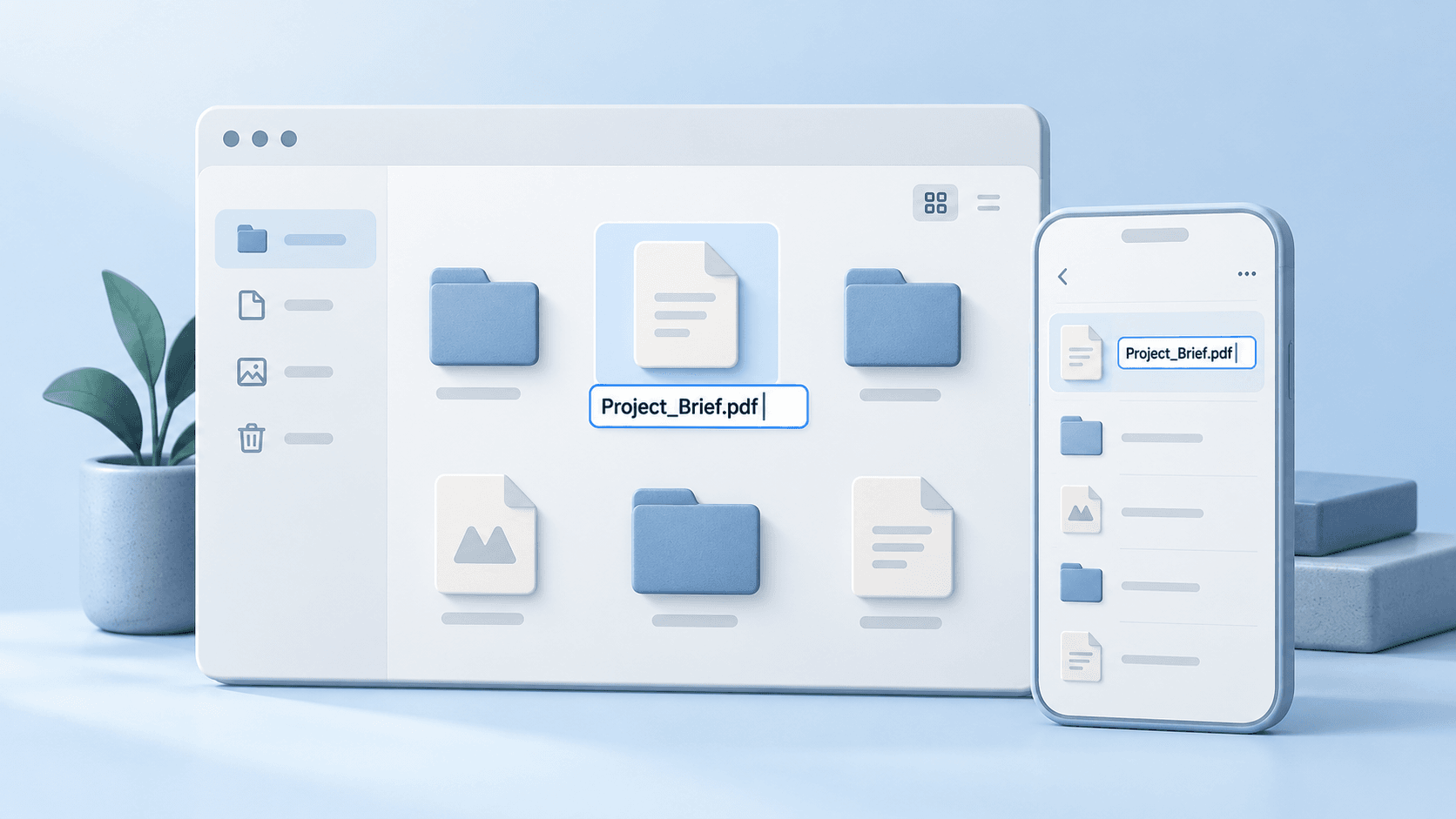
How to Rename a File on Windows, Mac, Android & iPhone
Press F2 on Windows or Return on Mac to rename a file. Follow steps for Android, iPhone and Chromebook, plus batch renaming and PDF troubleshooting.
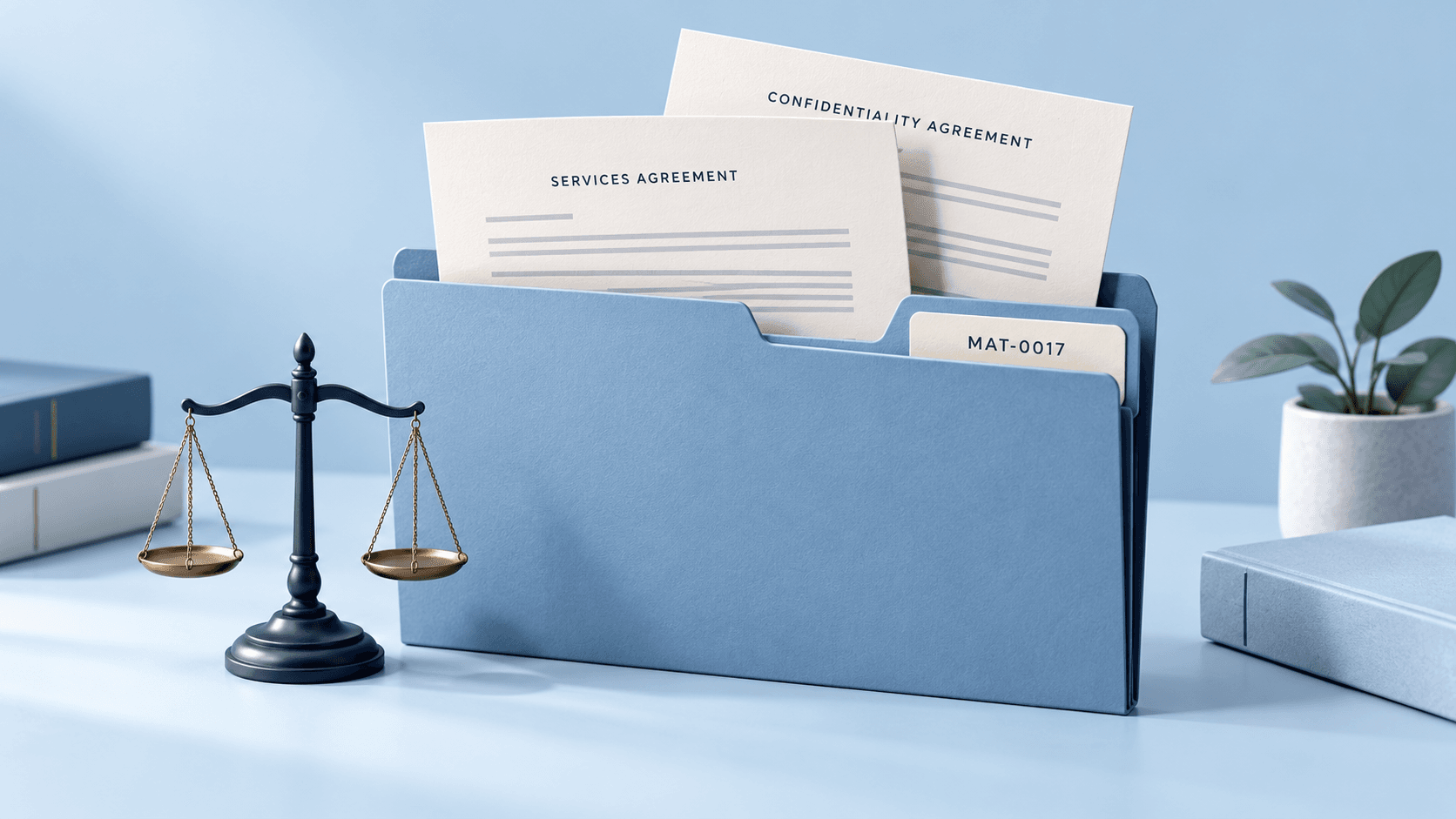
Legal File Naming Conventions: Templates for Law Firms
Use practical legal file naming templates, matter folder structures, and version rules for litigation, transactions, IP, and real estate documents.

HR Document Management: Folder Structure and Templates
Copy an HR folder structure template and employee file naming examples. Set up personnel records, separate sensitive files, and test a repeatable intake workflow.
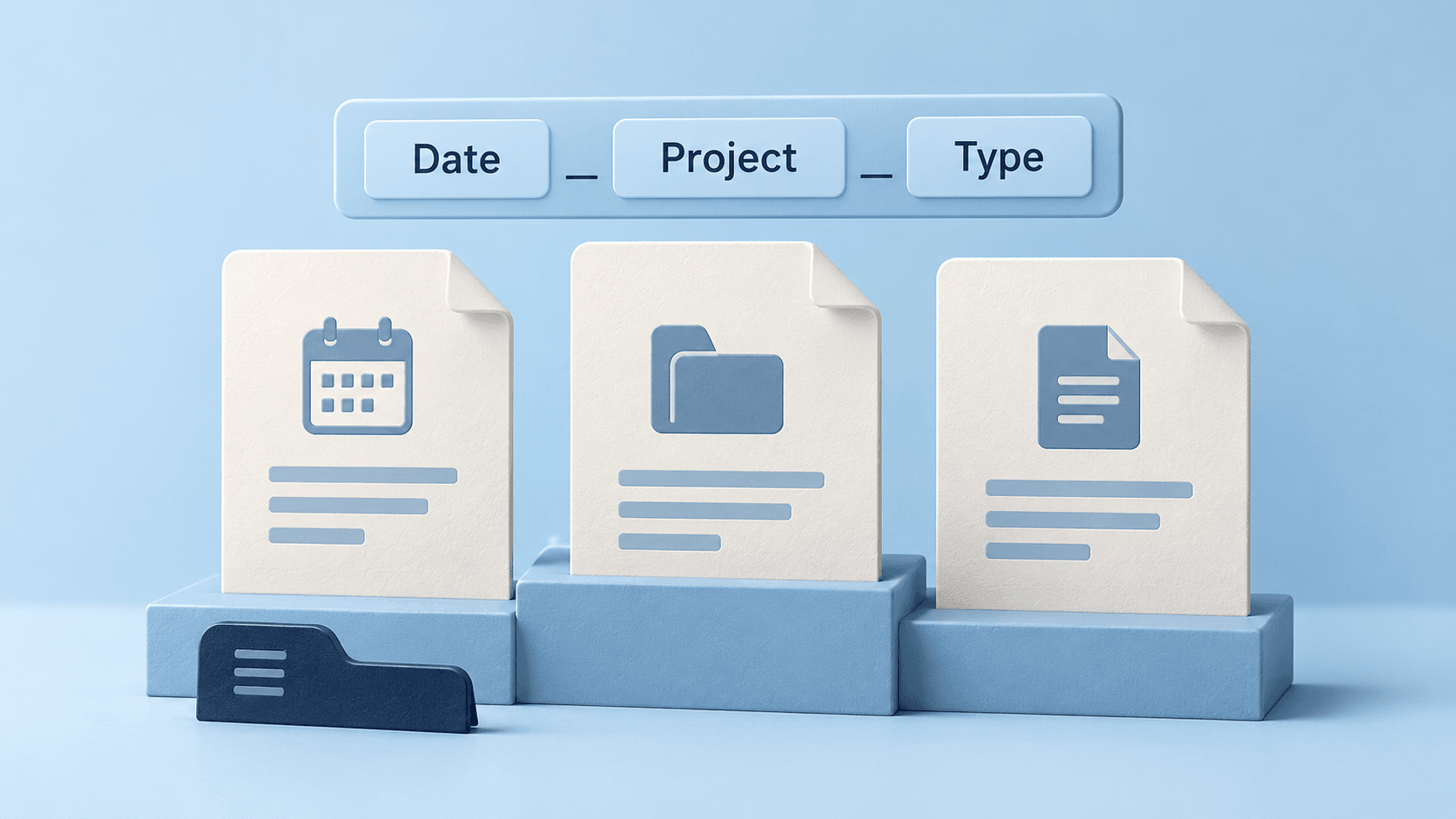
File Naming Conventions: Best Practices & Templates
Copy practical file naming templates for projects, invoices, legal matters, and HR. Learn date formats, versioning, and how to apply a consistent team system.
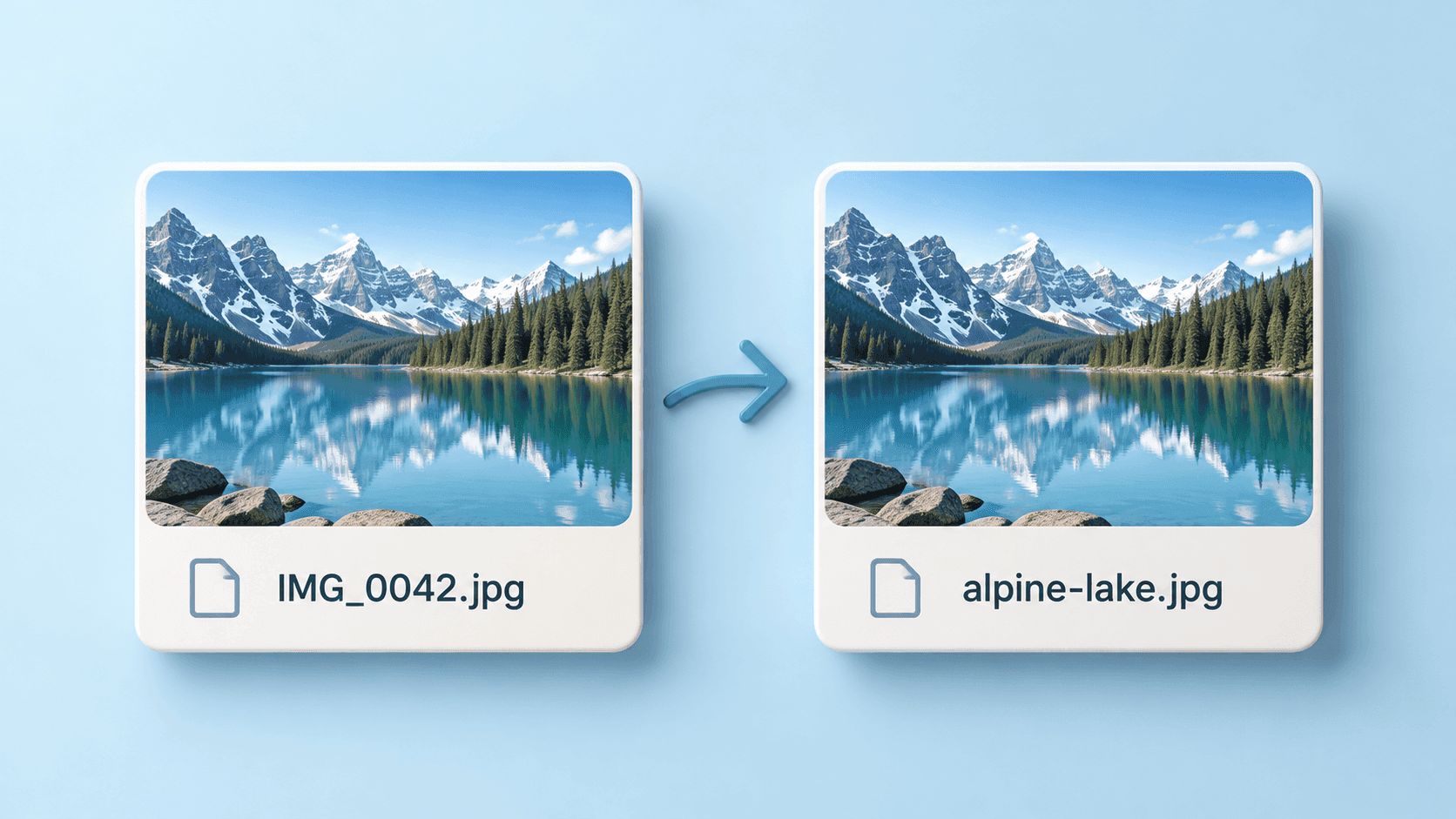
Image File Names for SEO: Best Practices & Examples
Learn how to name images for SEO with clear examples, a practical naming convention, alt text guidance, and a workflow for renaming images in bulk.
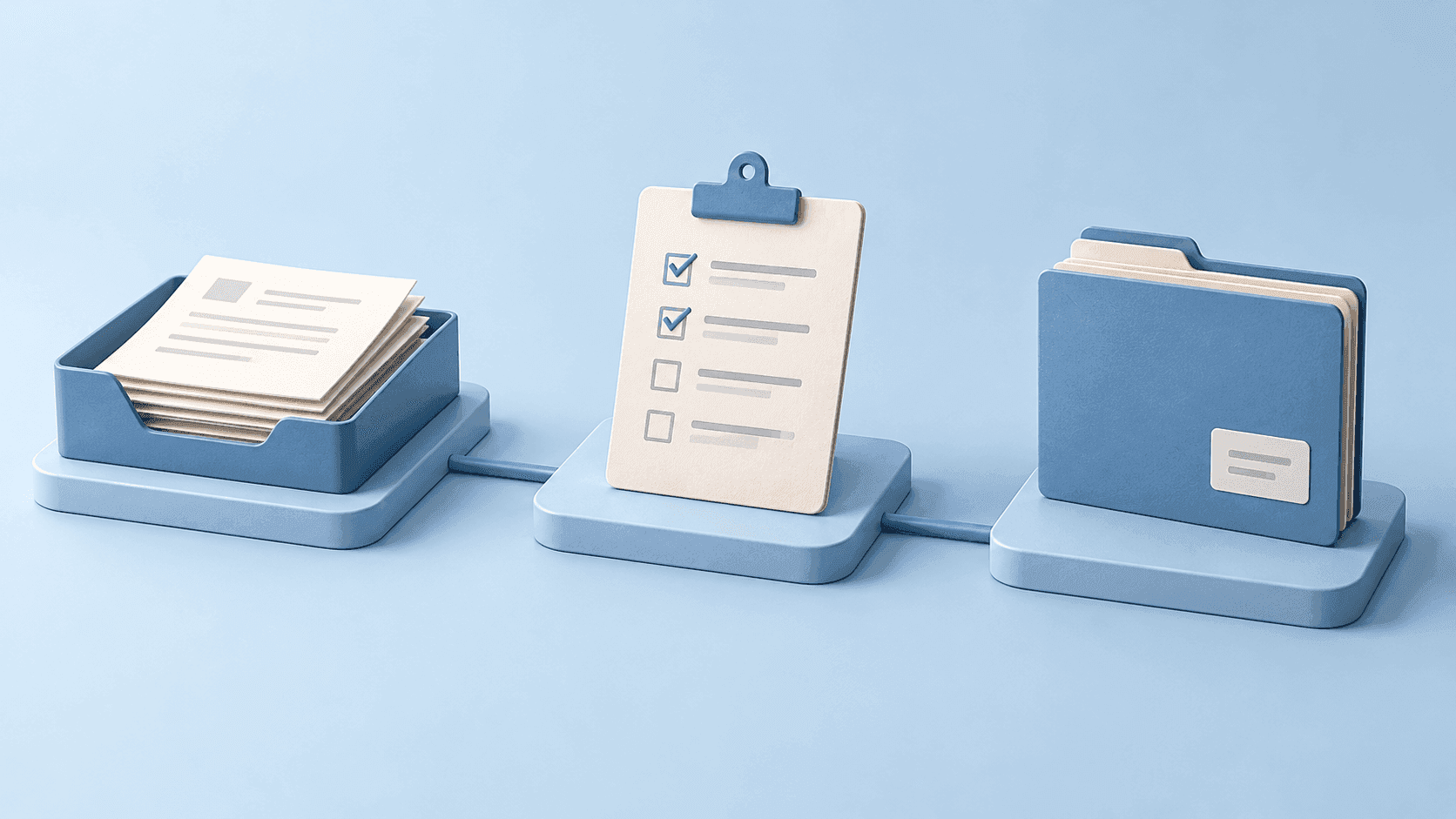
How to Build a Document Workflow Across Your Productivity Tools
Build a practical document workflow from intake to review and sharing. Define file names, ownership, and handoffs before adding automation.
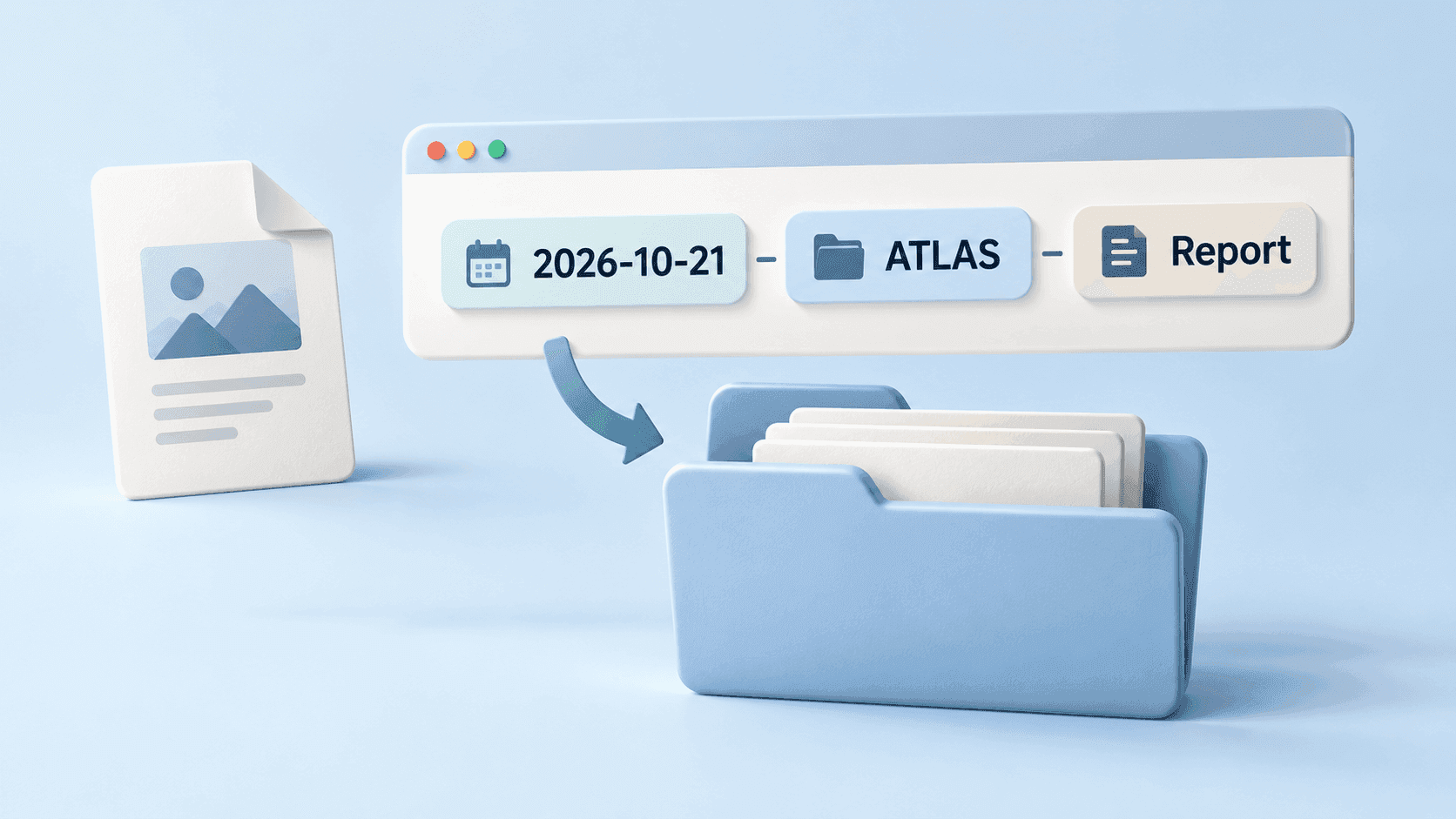
How to Rename Files Automatically by Date, Project, and Category
Build an automatic file naming workflow with meaningful dates, project IDs, and document categories. Preview results, handle duplicates, and review exceptions.
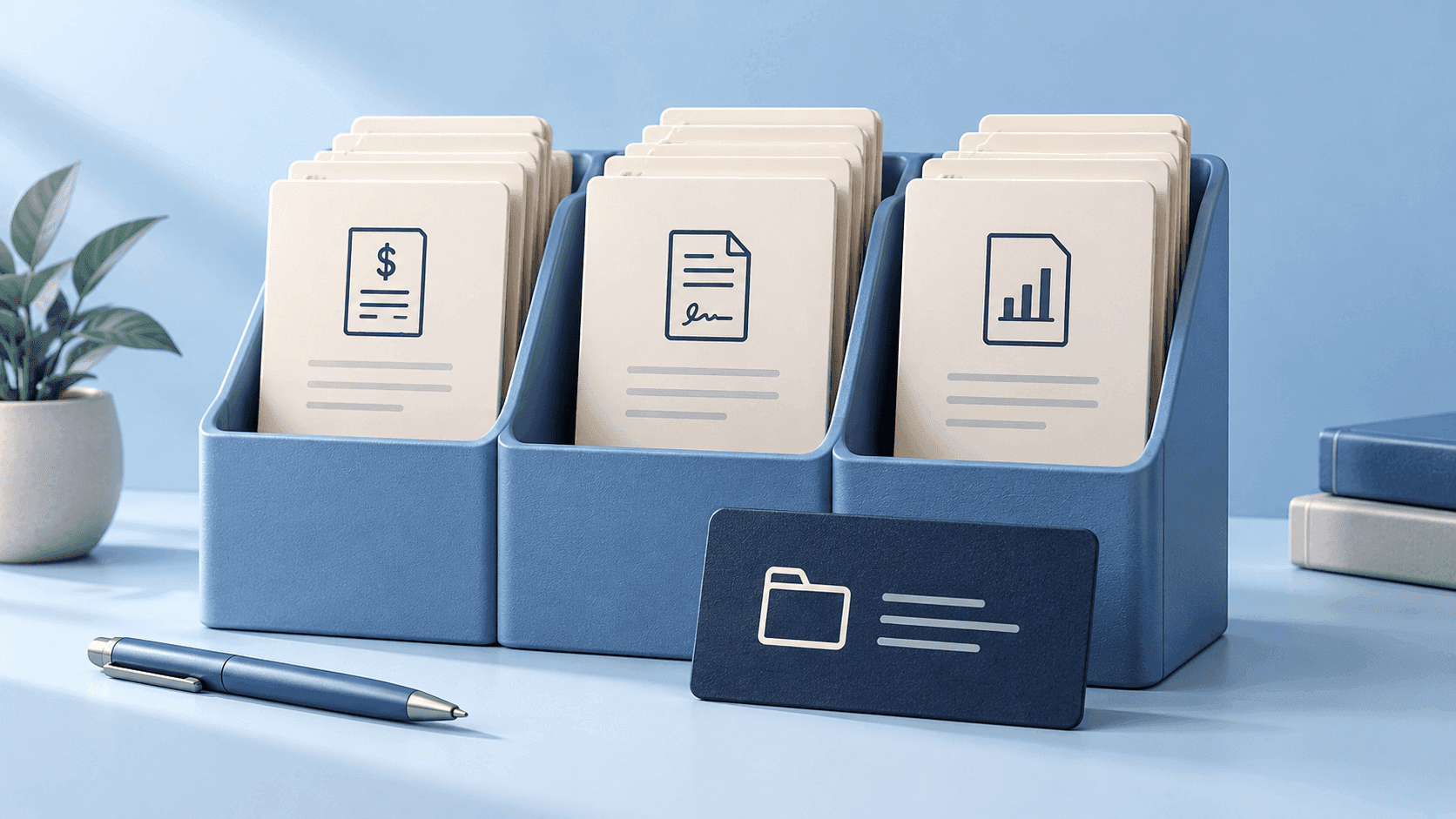
Business Document Naming: Templates for Invoices, Contracts, and Records
Create consistent business document names for invoices, contracts, reports, and employee records, with clear rules for dates, versions, and sensitive details.

How to Organize Photos: A Simple Digital Library System
Organize a digital photo library with a clear home for originals, date and event folders, careful duplicate review, useful filenames, and tested backups.
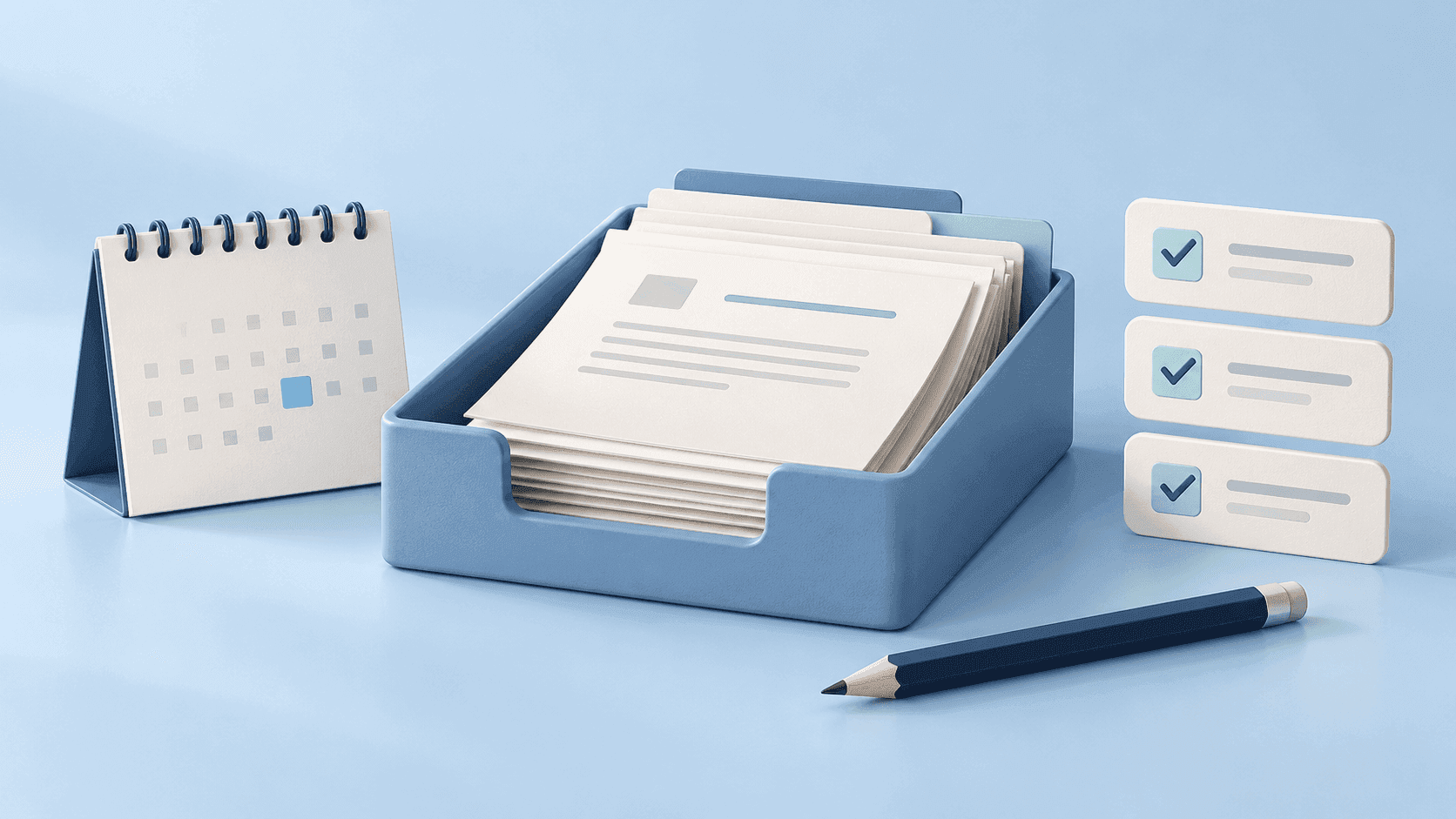
10 Daily Digital Habits for Keeping Files and Work Organized
Keep digital work organized with ten practical habits for incoming files, naming, task capture, sharing, and end-of-day review. Start with one repeatable routine.
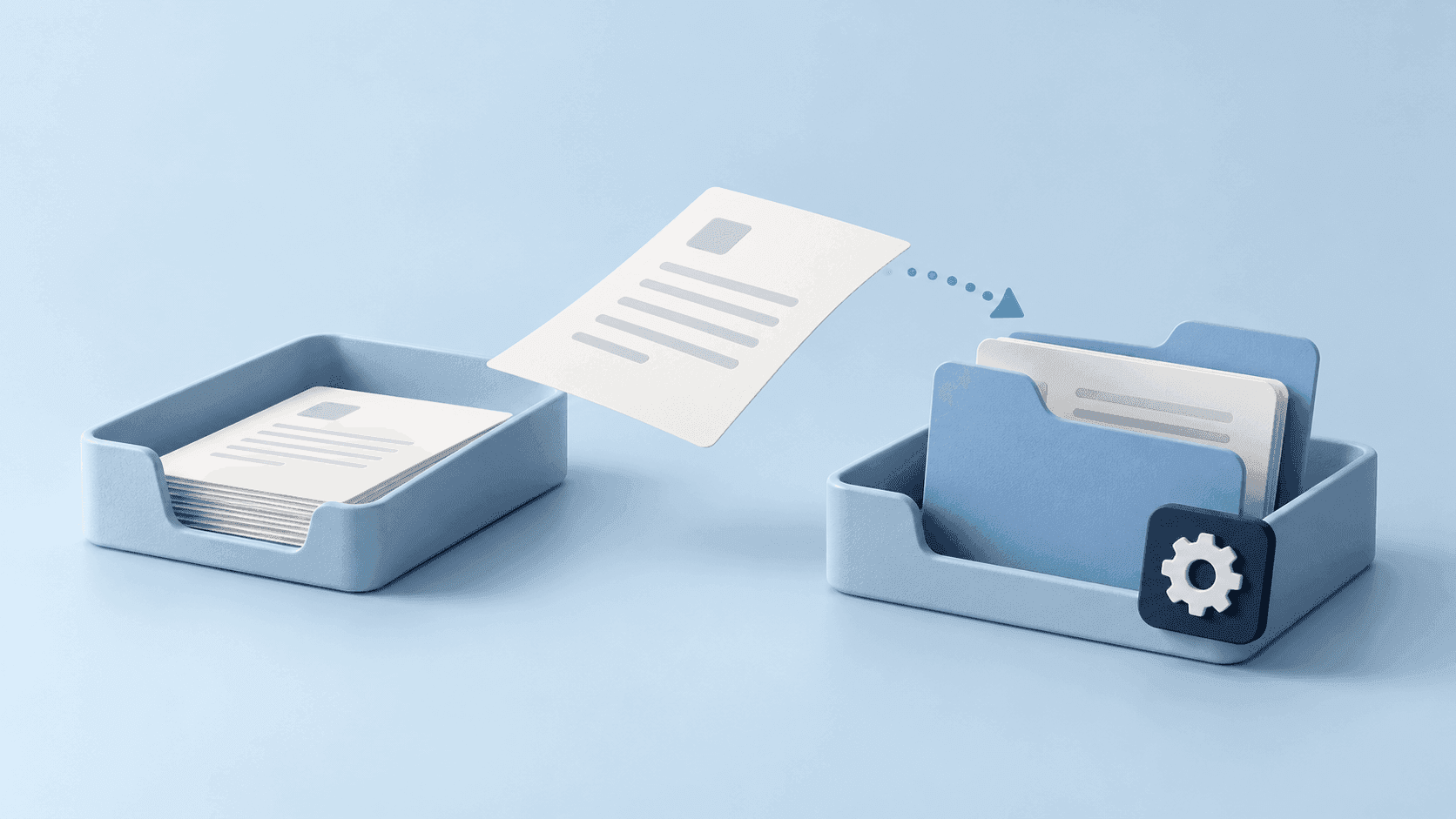
File Naming Automation: Start with One Small Workflow
Choose a repetitive file task, test a small naming automation, and measure the result. Includes an experiment template, exception handling, and rollout checks.
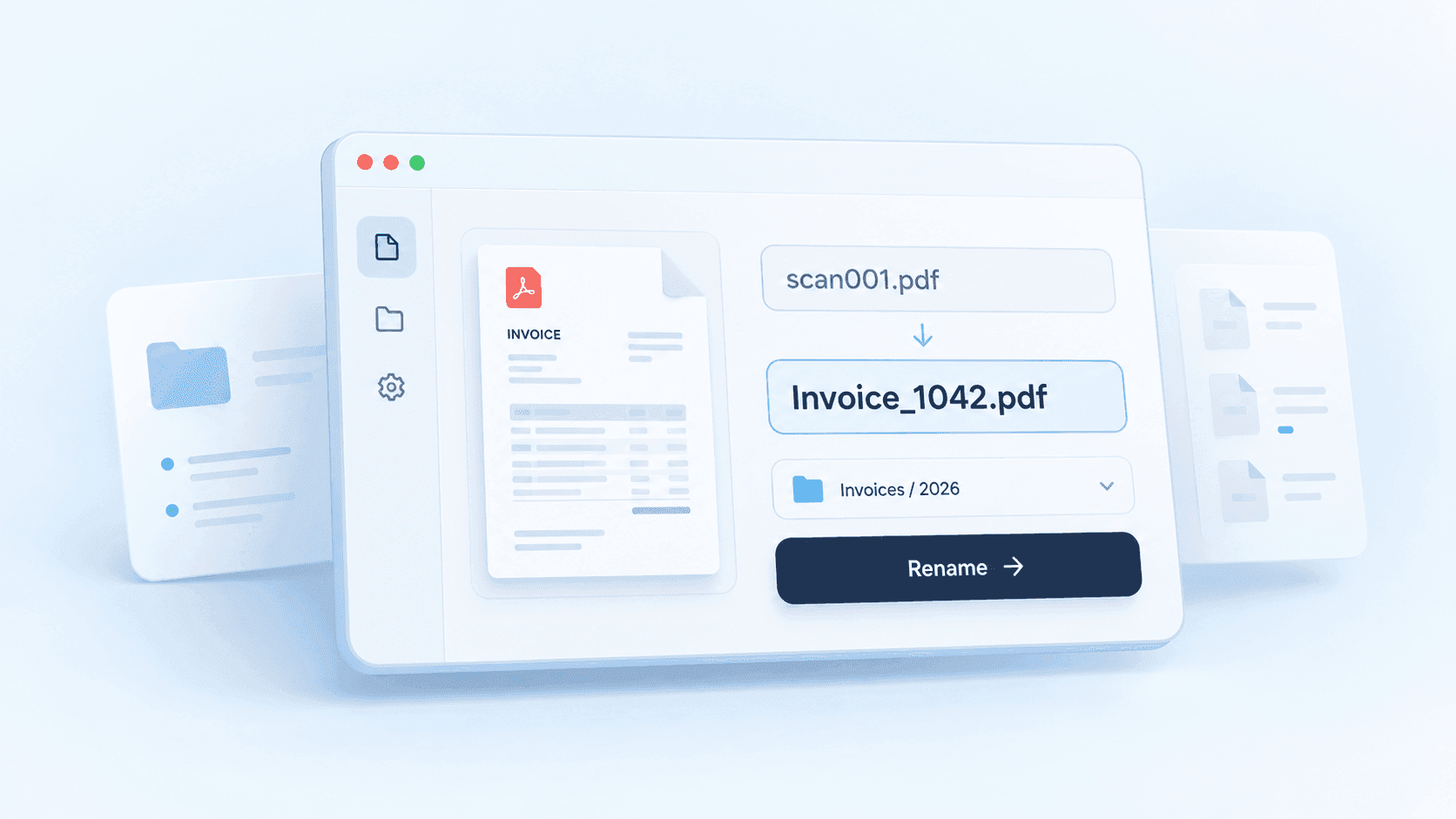
How to Rename PDF Files Based on Their Contents
Turn generic PDF names into useful descriptions with content-aware naming. Choose a template, verify dates and references, and review a batch before applying changes.
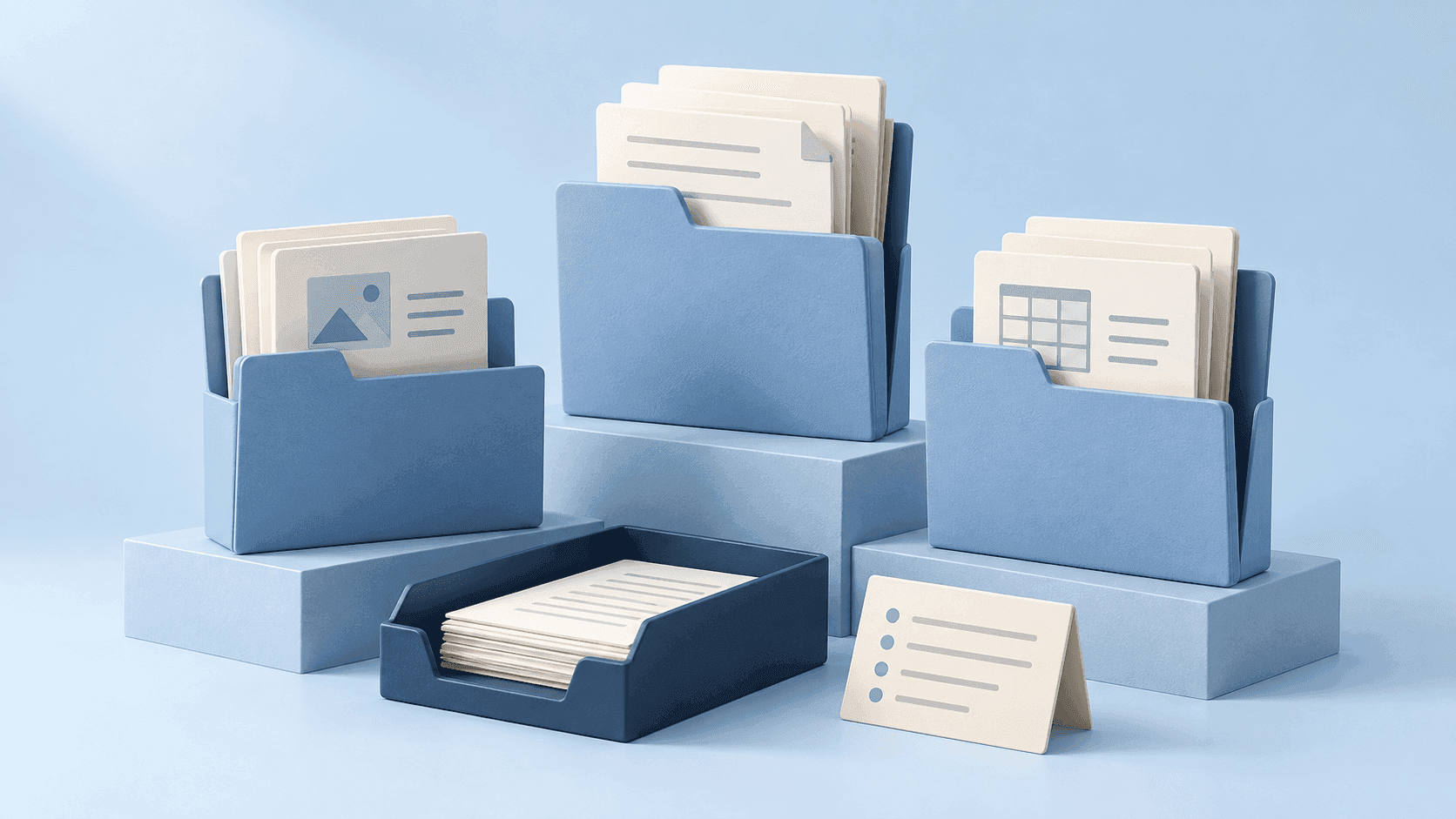
How to Organize Digital Files: A Simple System That Stays Usable
Organize digital files with a simple folder structure, consistent names, a manageable inbox, and a maintenance routine. Includes examples for work and personal files.