Image SEO Audit: Filenames, Alt Text, and Existing Image URLs

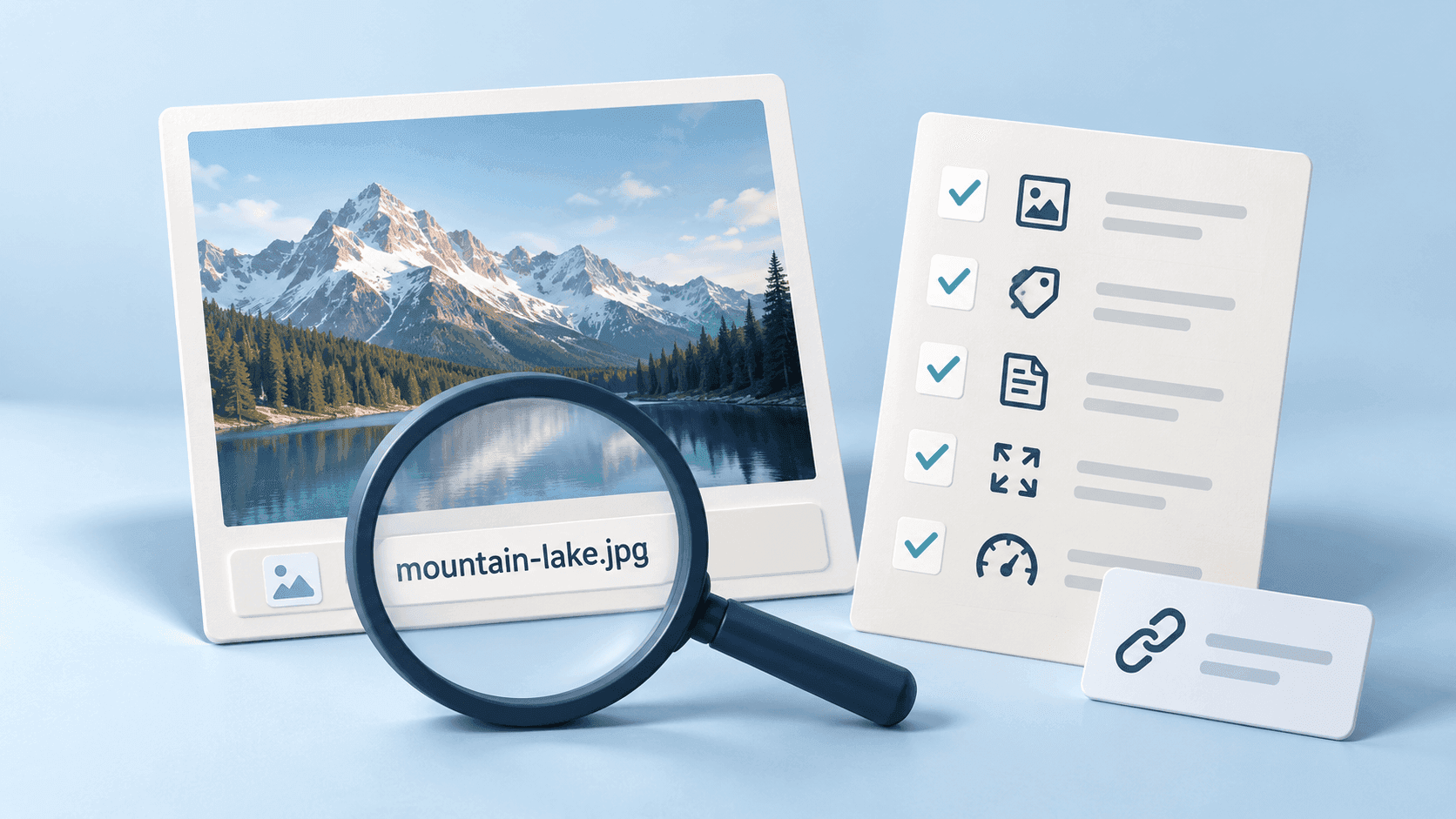
An image SEO audit checks whether the images on a page are useful, discoverable, and described clearly. Filenames are one part of that review, alongside the image itself, surrounding content, alt text, and the URLs your website serves.
Google's image SEO guidance describes filenames as a very light clue about an image's subject. Renaming alone does not guarantee better rankings.
This checklist focuses on existing website images. For naming new assets, use the image filename best practices guide.
Choose a manageable sample
Start with important pages, pages already being updated, or pages with image-loading problems. Record the page URL, image URL, image purpose, current filename, and proposed action.
Do not rename a large collection simply because its names look generic. A migration has a cost: references, generated sizes, cached assets, and old URLs may all need attention.
Check relevance before filenames
Ask whether each image helps the reader understand the page. A clear screenshot of the relevant step is more useful in a tutorial than an unrelated stock image with an optimized filename.
Check that the published page uses the intended asset. Confirm that crops and smaller variants retain the information the image needs to convey.
Use a short audit table:
| Check | Question |
|---|---|
| Relevance | Does the image support the nearby content? |
| Visibility | Does it load correctly on the published page? |
| Filename | Does the name describe the actual subject? |
| Alt text | Does the text reflect the image's purpose in context? |
| Delivery | Are format and dimensions appropriate to the use? |
| References | Where else is this asset used? |
Review filenames
A descriptive name such as oak-desk-front-view.jpg communicates more than IMG_1042.jpg. Use concise words, a consistent separator, and the extension that matches the actual format.
Avoid promotional keyword lists and details you cannot verify. A product's brand, material, or location should not be guessed from an AI-generated suggestion.
For new web assets, lowercase words separated by hyphens are a practical convention. Changing an extension does not convert a file.
Review alt text separately
Alt text describes an image's purpose in its page context. It is not simply a copy of the filename.
A product photograph, a tutorial screenshot, and a decorative background can need different treatment. Decorative images generally use an empty alt attribute; meaningful images need an appropriate description of the information they convey.
Inspect the actual published markup or the relevant CMS field. A media-library description does not necessarily become the alt attribute on every page.
Check the served image URLs
Identify the URL the page actually uses. A local filename, media-library name, and CDN URL may differ.
If an image is missing, check the page reference and the asset's availability. If search visibility is the concern, review discovery and indexing conditions as well as the filename. Google needs to be able to access and understand the image in context.
Do not infer an indexing problem solely because an image has few clicks. Demand, relevance, competition, and how results are presented can all affect observed traffic.
Plan any renaming migration
Before changing an existing image URL:
- Record the current asset and the pages that reference it.
- Check how the CMS handles replacements and generated variants.
- Prepare the new asset name and confirm its format.
- Update affected page references and other uses, such as social metadata, where relevant.
- Preserve access from the old URL with an appropriate redirect where supported.
- Check the published pages and generated variants.
- Keep a record of the change for troubleshooting.
Replacing an image during a planned content refresh is often a more manageable opportunity than renaming an otherwise useful asset in isolation.
Treat format and loading performance as separate tasks
A descriptive filename does not compress an image or make it load faster. Review dimensions, export quality, and delivery separately.
Use the actual visual requirements to choose a format. Do not assume that changing every file to one format is appropriate, and do not rename an extension to simulate conversion.
Where Renamer.ai helps
Renamer.ai can suggest descriptive names from supported image content before upload. Test a sample, define a concise naming instruction, and review ambiguous details before processing a batch.
It does not automatically update your CMS references, write context-specific alt text, configure redirects, or optimize image compression. Include those steps in the publishing workflow.
Use the current guides to configure naming, and the main image naming guide for examples.
Measure changes without assuming causation
Record which pages and assets changed and when. In Search Console, distinguish image-search performance from web-search performance and compare relevant periods.
Consider changes in demand, page content, indexing, and other site updates when interpreting results. A traffic change after renaming does not, by itself, prove that the filename caused it.
Frequently asked questions
Should I rename every image with a generic filename?
No. Prioritize useful publishing improvements and planned refreshes. Check the cost of changing existing URLs before a bulk migration.
Does a descriptive filename guarantee Google Images rankings?
No. It provides limited context. Relevance, the page, accessibility text, discovery, and other factors also matter.
Can I rename a file without changing its website URL?
That depends on the CMS and asset delivery system. Check the served URL before and after the change rather than assuming the media-library name controls it.
About the author

Uros Gazvoda
Uroš is a technology enthusiast, digital creator, and open-source supporter who’s been building on the internet since it was still dial-up. With a strong belief in net neutrality and digital freedom, he combines his love for clean design, smart technology, and human-centered marketing to build tools and platforms that matter.
Founder of Renamer.ai