How OCR technology actually reads an invoice
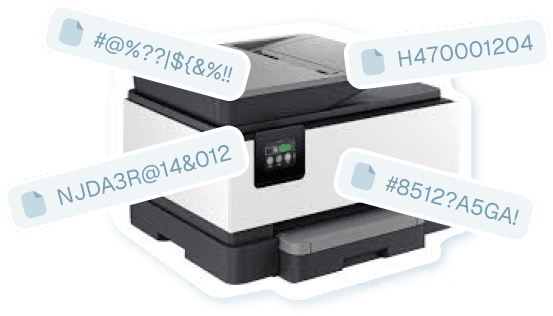
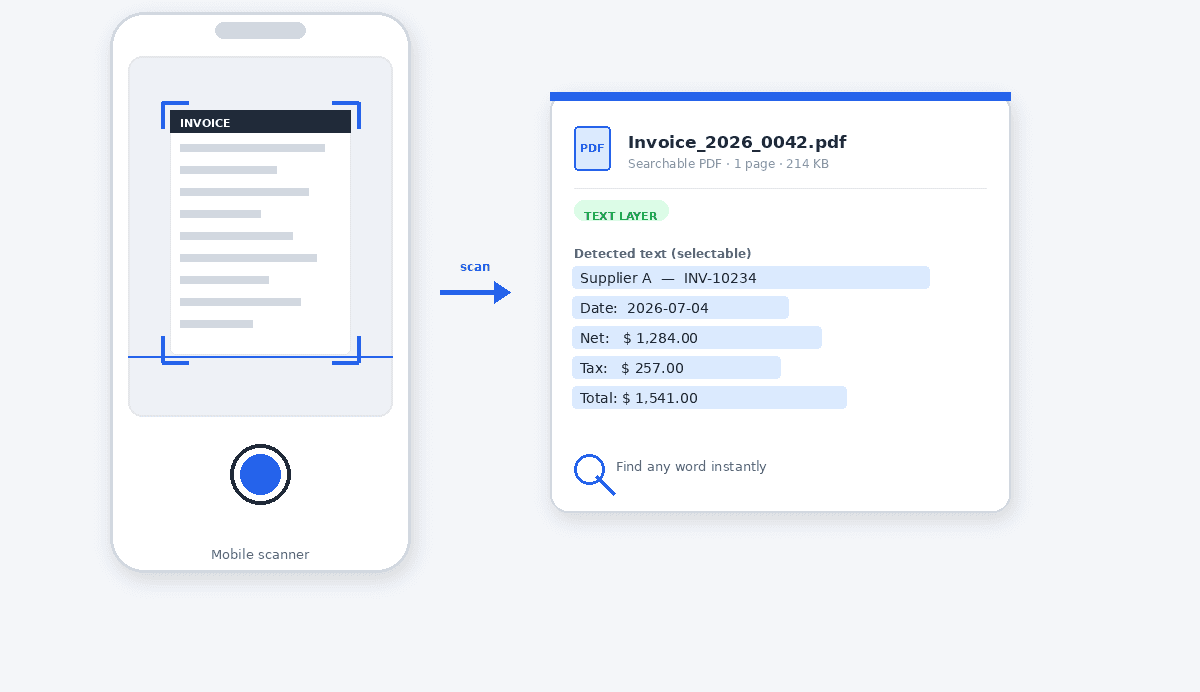
Optical character recognition is the technology that bridges the gap between an image of a document and text a computer can work with. At its simplest, OCR analyzes the shapes in a scanned or photographed image, matches them to characters, and outputs a stream of text. This is the part most people picture when they hear OCR, and on its own it is genuinely useful: it makes an image-only PDF searchable, so you can at least find a word inside it. But raw character recognition has no idea what those characters mean - it sees the digits of a total exactly the way it sees a page number.
Reading an invoice usefully takes a second layer on top of recognition: understanding structure. An invoice is a predictable kind of document, with a supplier in the header, a reference block, dates, a table of line items, and totals at the foot. Modern invoice OCR technology uses that structure to interpret the recognized text - deciding which value is the grand total versus a subtotal, which date is the due date, and whether the company named is the supplier or the recipient. This interpretive step is the difference between OCR that makes a file searchable and OCR that can actually name and organize it for you.
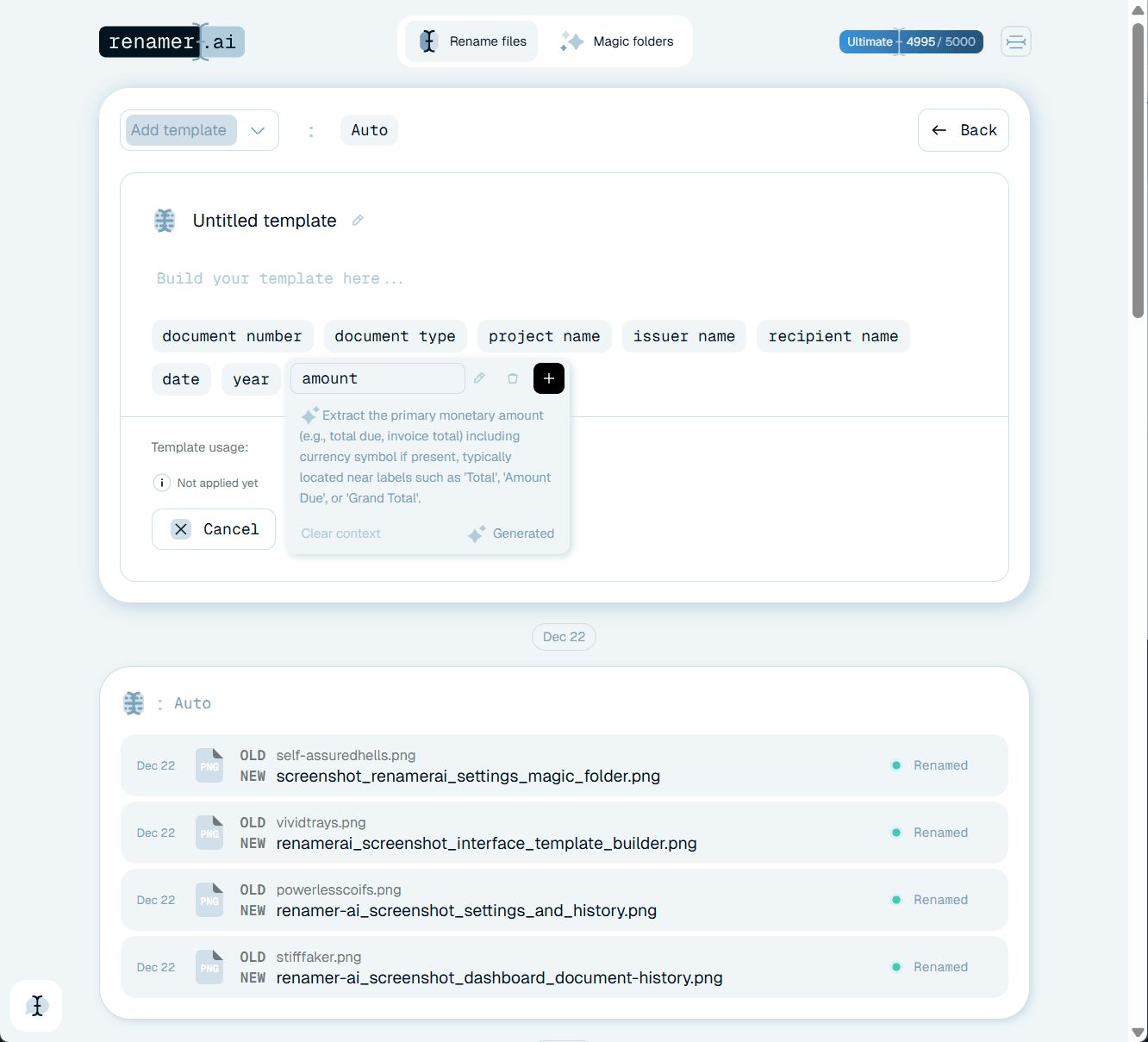
The technology is powerful but not infallible, and good systems treat confidence as part of the output. Faint thermal print, skewed scans, and unusual layouts can produce a misread digit. Rather than presenting every result as certain, Renamer.ai flags the low-confidence reads so a person can glance at just those, while the clean majority are named automatically. Understanding that OCR is a spectrum - from raw recognition to structural reading, with confidence attached - is the key to choosing the right tool for invoices rather than being surprised by a generic OCR engine's limits.
Scanning and OCR are two technologies, not one
People often use scanning and OCR interchangeably, but they solve different problems and it pays to keep them separate. Scanning is a capture technology: it produces a faithful image of a physical or on-screen document. OCR is a reading technology: it takes that image and reconstructs the text inside it. A scanner with no OCR gives you a picture of an invoice that a computer cannot search; OCR with nothing to read gives you nothing at all. The two are complementary, and most of the confusion about invoice digitization comes from expecting one of them to do the other's job.
Understanding the split clarifies why a good scan is not the finish line. An office scanner can produce a beautifully clean image-only PDF of an invoice, and that file is still, to a computer, just a picture - you cannot search its contents or pull a total out of it until OCR has read it. Conversely, OCR can only be as good as the image it is given, so poor capture undermines even strong reading technology. Treating scanning and OCR as the distinct steps they are helps you diagnose where a workflow is actually falling short.
Why scanning alone leaves the job half done
A surprising number of invoice archives are made entirely of scans that no one can search. The scanning technology did its job - every invoice was captured - but because no reading step followed, the result is a folder of image-only PDFs named things like scan_044.pdf, each of which has to be opened to learn anything about it. The information is technically present, sitting in the pixels, but it is locked away from search, sorting, and any kind of automation. Scanning without OCR digitizes the paper while leaving the data on it as inaccessible as it was in the filing cabinet.
This is the gap that makes the difference for accounts payable. The value of digitizing invoices is not having pictures of them; it is being able to find, sort, and act on the information they contain. That only happens once a reading technology has pulled the vendor, number, date, and total out of the image. A workflow that stops at scanning has paid the cost of capture without collecting most of the benefit, which is why pairing capture with capable OCR - ideally OCR that also names the file - is what turns a scanning habit into a genuinely useful archive.
How modern AI OCR differs from legacy OCR
The OCR many people remember is the legacy kind: a desktop utility that converted a scan into a wall of text, often with errors, and left you to make sense of it. It recognized characters but understood nothing about the document, so a scanned invoice came out as undifferentiated text with no notion of which number was the total. Modern invoice OCR technology is a different proposition. It still recognizes characters, but it layers structural understanding on top, reading the document the way a person scans an invoice - heading, reference, dates, totals - and identifying the fields rather than just emitting text.
That shift is what makes automation possible. Because modern reading technology knows what it is looking at, it can do something with the result: write the vendor and amount into a filename, route the document into a supplier folder, or hand structured fields to another system. Legacy OCR could make a file searchable; modern OCR can make a file self-describing and organized. For invoices specifically, where the same handful of fields matter every time, this structural reading is the capability worth looking for, and it is what separates a tool that merely scans from one that actually processes.
Choosing the right combination for your volume
The right blend of scanning and OCR technology depends mostly on how many invoices you handle and where they come from. A team with a low volume of paper invoices and a good office scanner may be perfectly served by scanning plus an occasional manual read. A team receiving invoices on the move benefits from mobile capture with a searchable-PDF layer. But once volume rises, or once a meaningful share of invoices arrive as scans and photos that someone has to read and rename, the manual reading step becomes the bottleneck, and that is exactly where AI OCR with automatic naming earns its place.
The practical advice is to match the reading technology to the cost of the manual step it removes. If you are spending real time opening scans to read and transcribe them, a tool that reads invoice structure and names files automatically converts that time directly back into capacity. Because Renamer.ai runs locally and handles scans, PDFs, and photos alike, it slots onto whatever capture method you already use - flatbed, phone, or portal download - and supplies the reading layer that turns captured images into searchable, self-describing invoices.