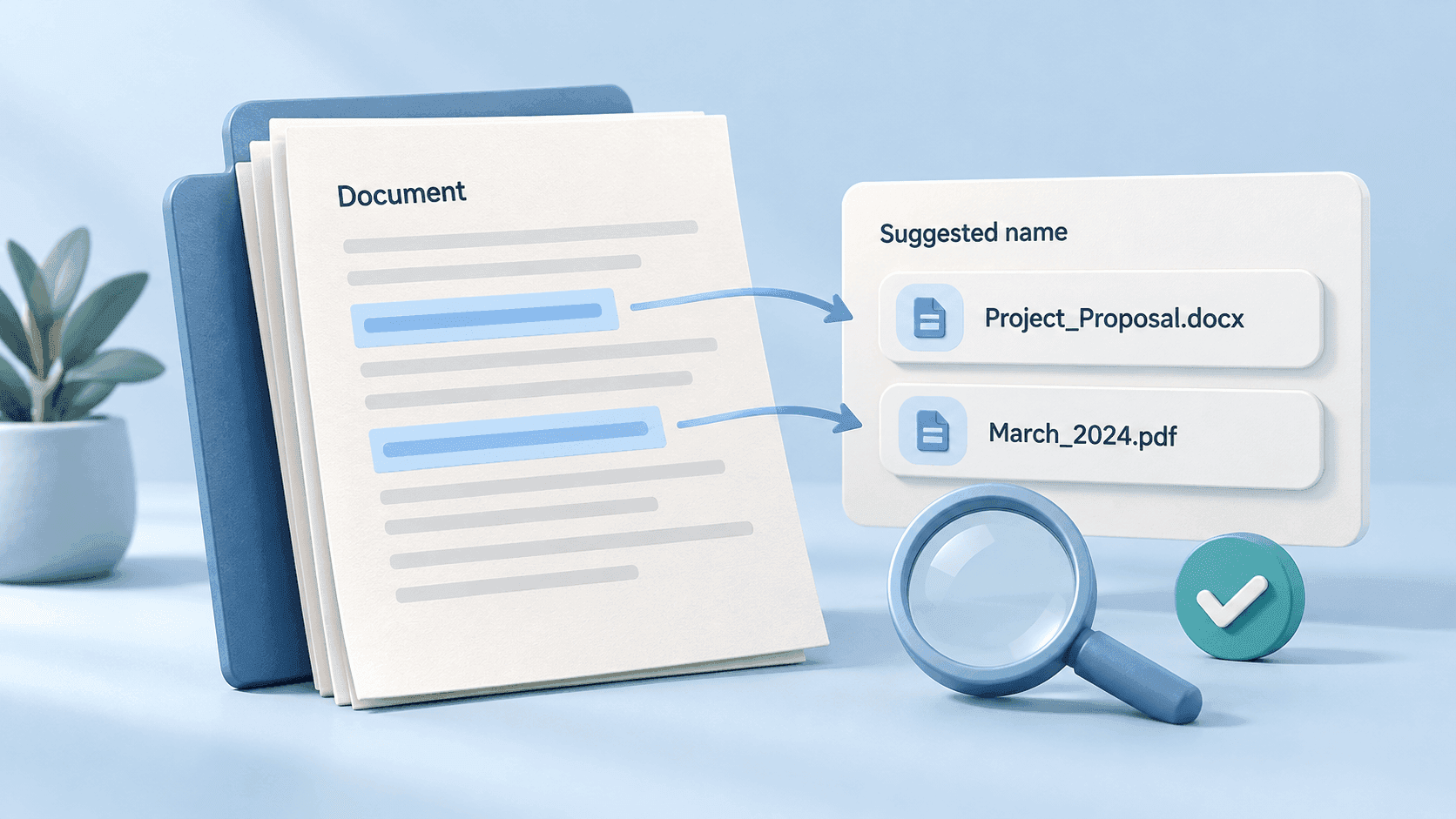
How AI File Renaming Works: From Document Content to Useful Names
AI file renaming uses information inside a file to propose a more descriptive name. Instead of replacing one string with another, a content-aware tool can identify a document's subject and relevant details, then express them using your naming instructions.
The important distinction is between proposing a plausible name and verifying the underlying facts. A name can look convincing while containing the wrong date or identifier.
This guide explains the general workflow. It does not describe a proprietary model architecture or training process.
1. Obtain readable content
A document may already contain selectable text, or its pages may be images that require visual interpretation or text recognition. Optical character recognition, usually called OCR, converts images of text into machine-readable text.
The available information depends on the file and the tool. A clear digital invoice is a different input from a blurry photograph, a password-protected document, or a spreadsheet with several unrelated sheets.
Check the current Renamer.ai guides for supported formats. Do not assume that every file extension, embedded object, or page layout will be handled the same way.
2. Identify useful details
A naming system may look for a document type, subject, organization, date, or reference number. These details are useful only if they describe what you need to retrieve.
Consider a fictional invoice containing:
| Detail | Example |
|---|---|
| Supplier | Northline Studio |
| Invoice number | INV-1042 |
| Invoice date | 2026-10-01 |
| Payment due date | 2026-10-31 |
A useful name might be 2026-10-01_northline-studio_invoice_INV-1042.pdf.
Using the due date instead would still produce a tidy filename, but it would violate an invoice-date convention. Your instructions need to distinguish the two.
Do not ask a naming tool to infer facts the document does not establish, such as whether an invoice has been paid or a contract has received internal approval.
3. Apply a naming template
Templates turn a general description into a repeatable convention. Specify which fields to include, their order, date formatting, and what to do when a field is missing.
For example:
“Use the invoice date, supplier name, document type, and invoice number. If the invoice date is absent, leave the date out for manual review.”
That is an example instruction, not a guarantee that a particular interface accepts it verbatim. Check the template controls in your installed version.
In Renamer.ai, naming templates and folder organization templates serve separate purposes. One defines the name; the other defines the destination. Verify both.
4. Review the proposed result
Focus review on information that can change the meaning of the record:
- Dates: Was the intended date selected?
- Identifiers: Were leading zeros and meaningful punctuation preserved?
- Names: Was the correct organization or project chosen?
- Document type: Is this an invoice, quote, receipt, or something else?
- Duplicates: Would this name collide with an existing file?
- Sensitive details: Does the name expose information to people who can see the folder?
A shorter accurate name is more useful than a detailed but uncertain one. Keep ambiguous items in a review queue instead of filling gaps with guesses.
Rule-based renaming versus AI renaming
A rule-based tool is suitable for predictable transformations: replace a prefix, add a sequence, or normalize an existing name. Its output follows the rule even when the original text is unhelpful.
Content-aware naming is useful when the starting name is generic, such as scan_0042.pdf, and the identifying information is inside the document.
You can combine these approaches by defining a consistent output pattern while using content analysis to obtain the variable details. The best choice depends on the files, not on a universal accuracy comparison.
Does correcting a name train the system?
Do not assume that editing a suggested name retrains a model or permanently teaches the product your preferences. A saved template is an explicit configuration; model training is a separate process.
Similarly, an explanation of AI in general does not establish how a particular product handles customer data. Consult the product's current settings and policies for that question.
Renamer.ai offers Cloud, Local, and bring-your-own-key processing options. Using your own key with an external provider still involves external processing; it is different from running a local model on your device.
Measure quality on your own files
Test a representative batch and record how many names you accept unchanged, which fields need correction, and how much review takes. Include difficult scans and ambiguous documents, not just clean examples.
Retain originals or a backup before a large batch. Check that renamed files open and that applications or links depending on their paths still work.
AI can reduce the work of describing supported files. A good template and a deliberate review step make the resulting names dependable enough to use. To design the convention itself, start with our file naming best practices.
About the author

Uros Gazvoda
Uroš is a technology enthusiast, digital creator, and open-source supporter who’s been building on the internet since it was still dial-up. With a strong belief in net neutrality and digital freedom, he combines his love for clean design, smart technology, and human-centered marketing to build tools and platforms that matter.
Founder of Renamer.ai